


Printer Accessories
Printer accessories are more in demand than ever before. The world is adapting more and more to the growing focus on working from home. You have surely noticed that there are all kinds of printer accessories, such as ink cartridges, chip resetters, and even printer batteries. With all the different items that go beyond the basics, it can be easy to lose track – so it is completely normal if you are looking for printer accessories for your printer and feel a little lost.
For this reason, we at Electropapa strive to explain the range of printer accessories to you as clearly and yet as comprehensively as possible. So whether you are looking for thermal transfer ribbon or urgently need a new printer toner: thanks to Electropapa, you are sure to find exactly what you need.
Top Seller
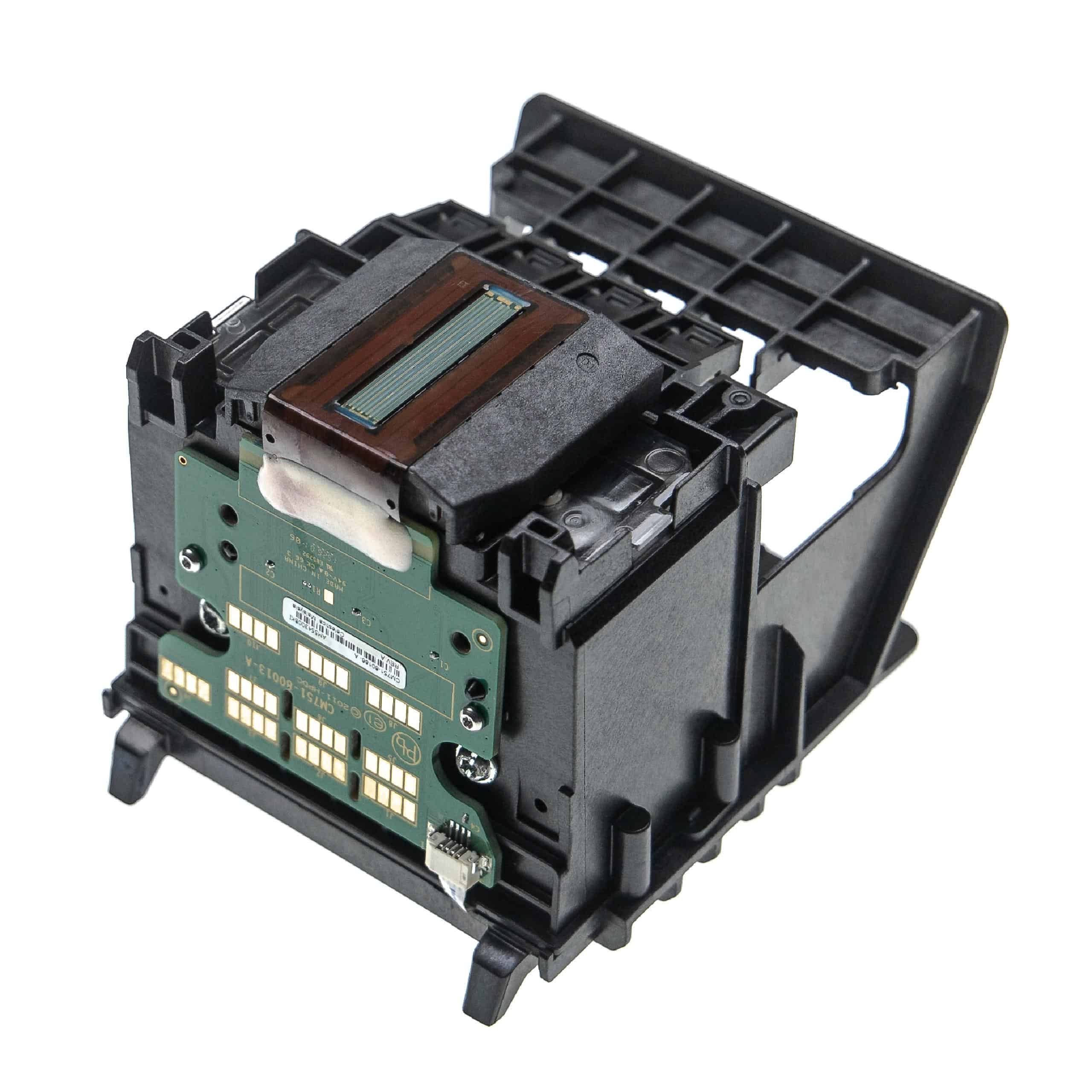
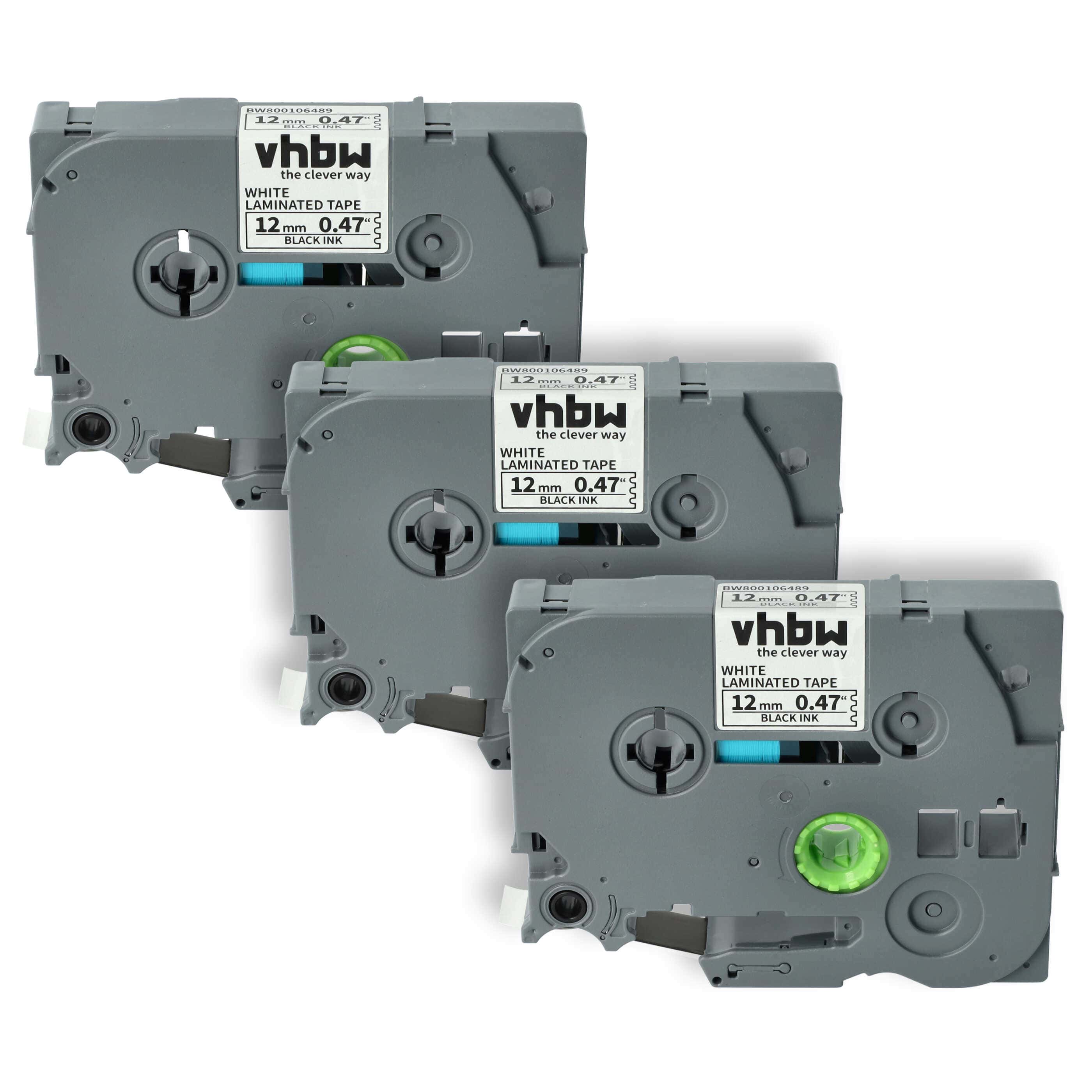
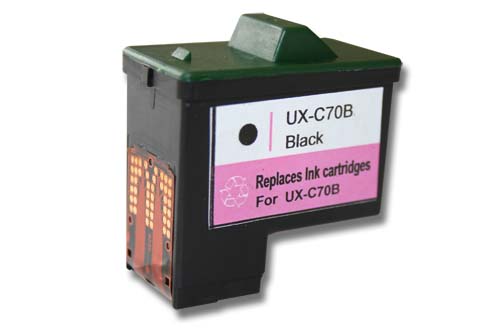
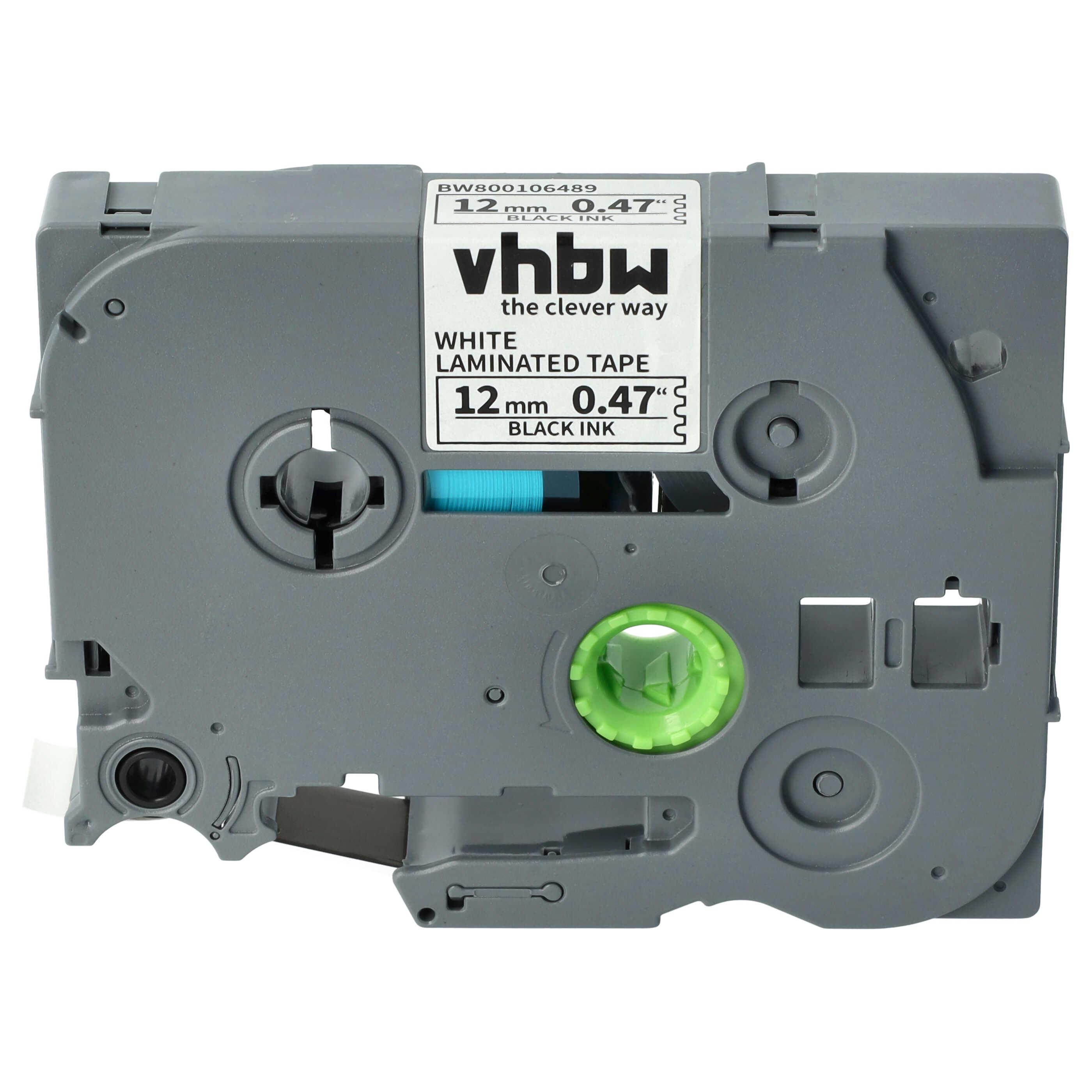
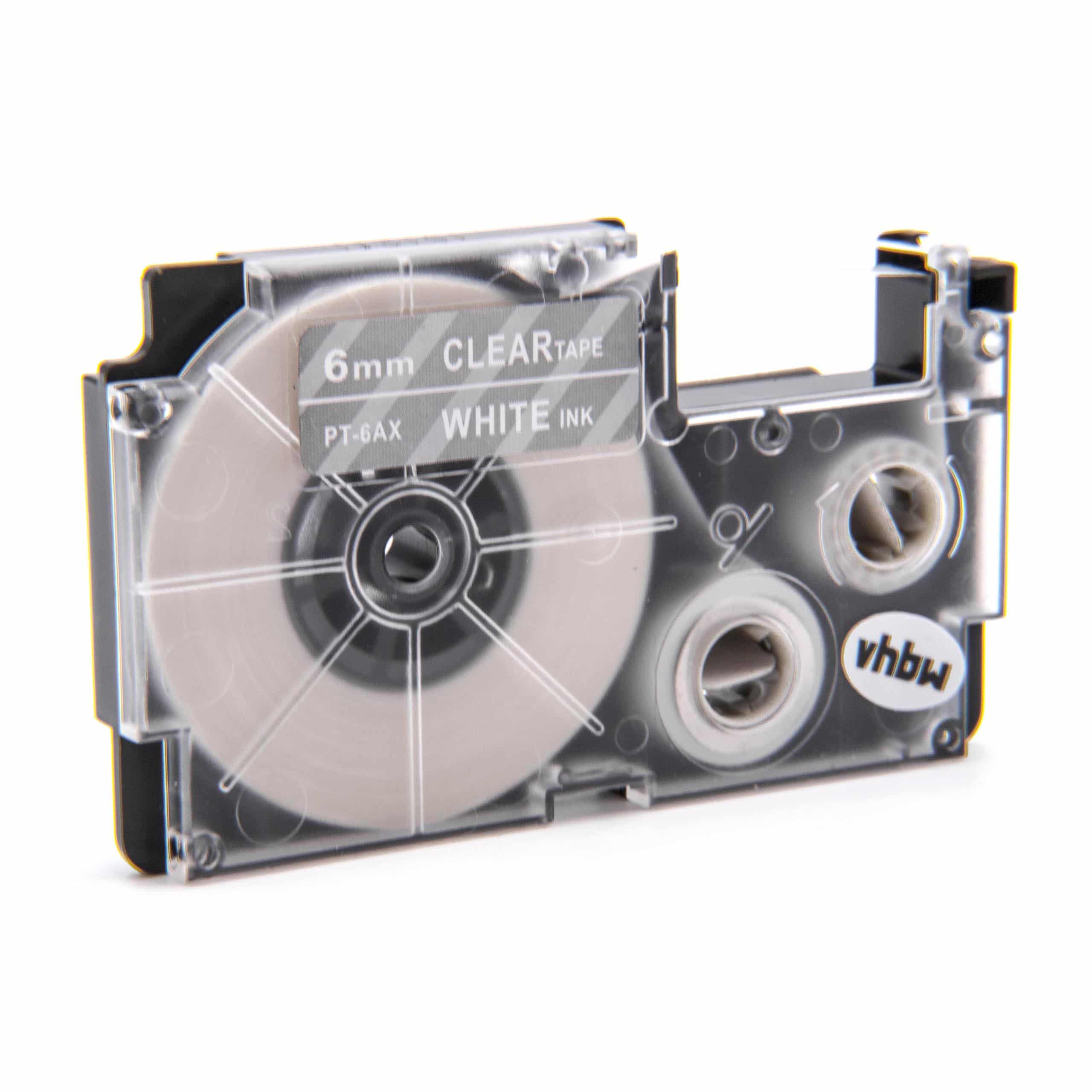
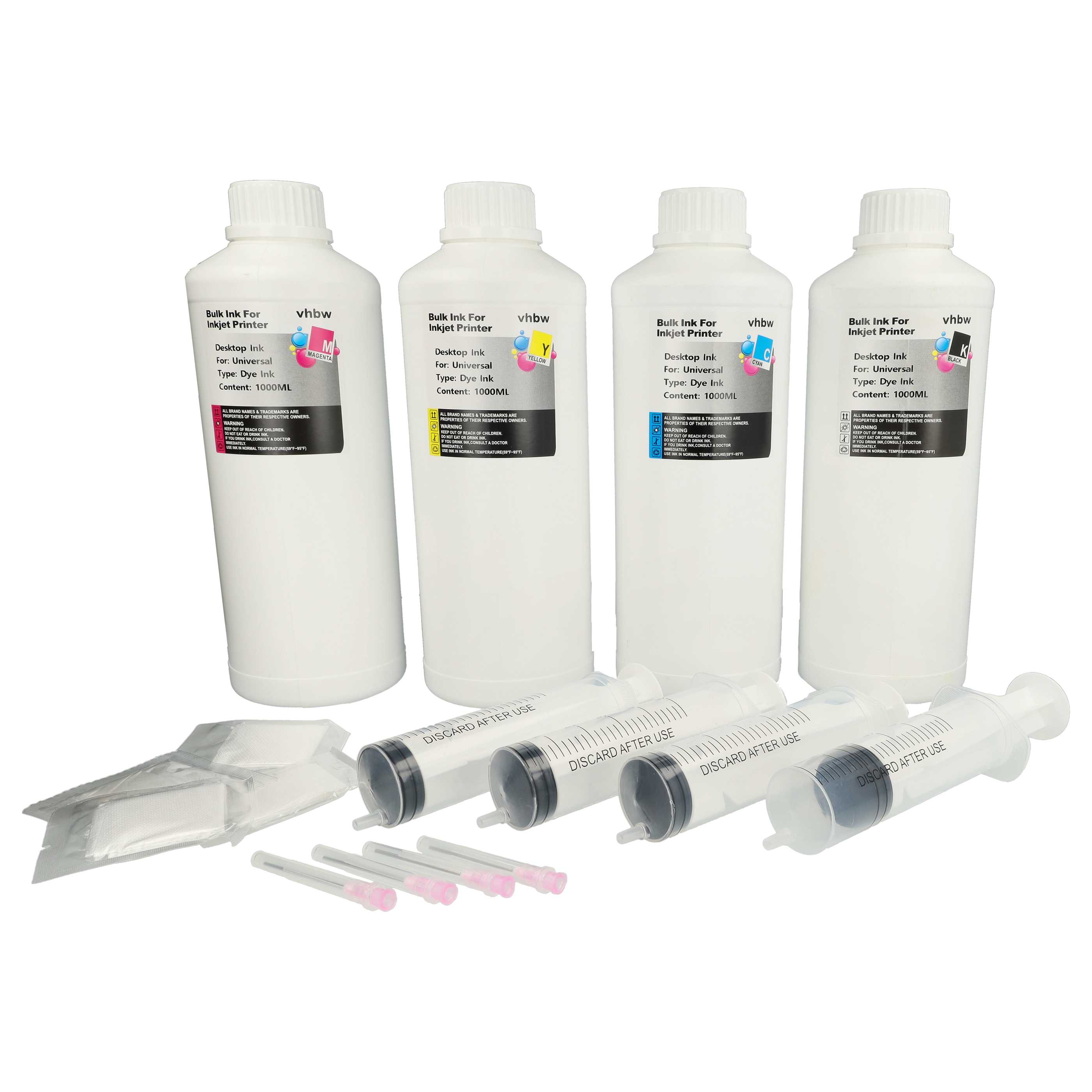
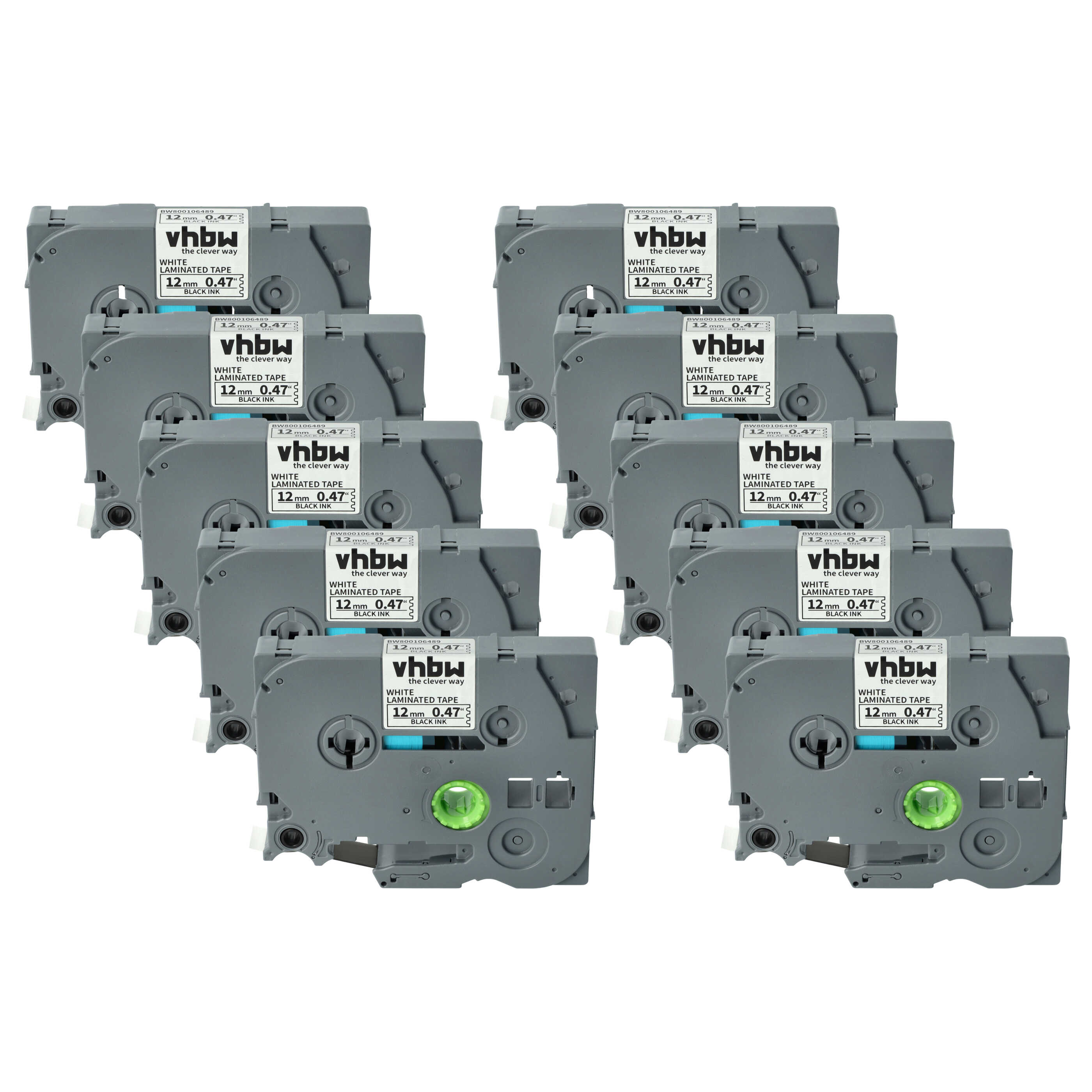
Ribbons and their properties
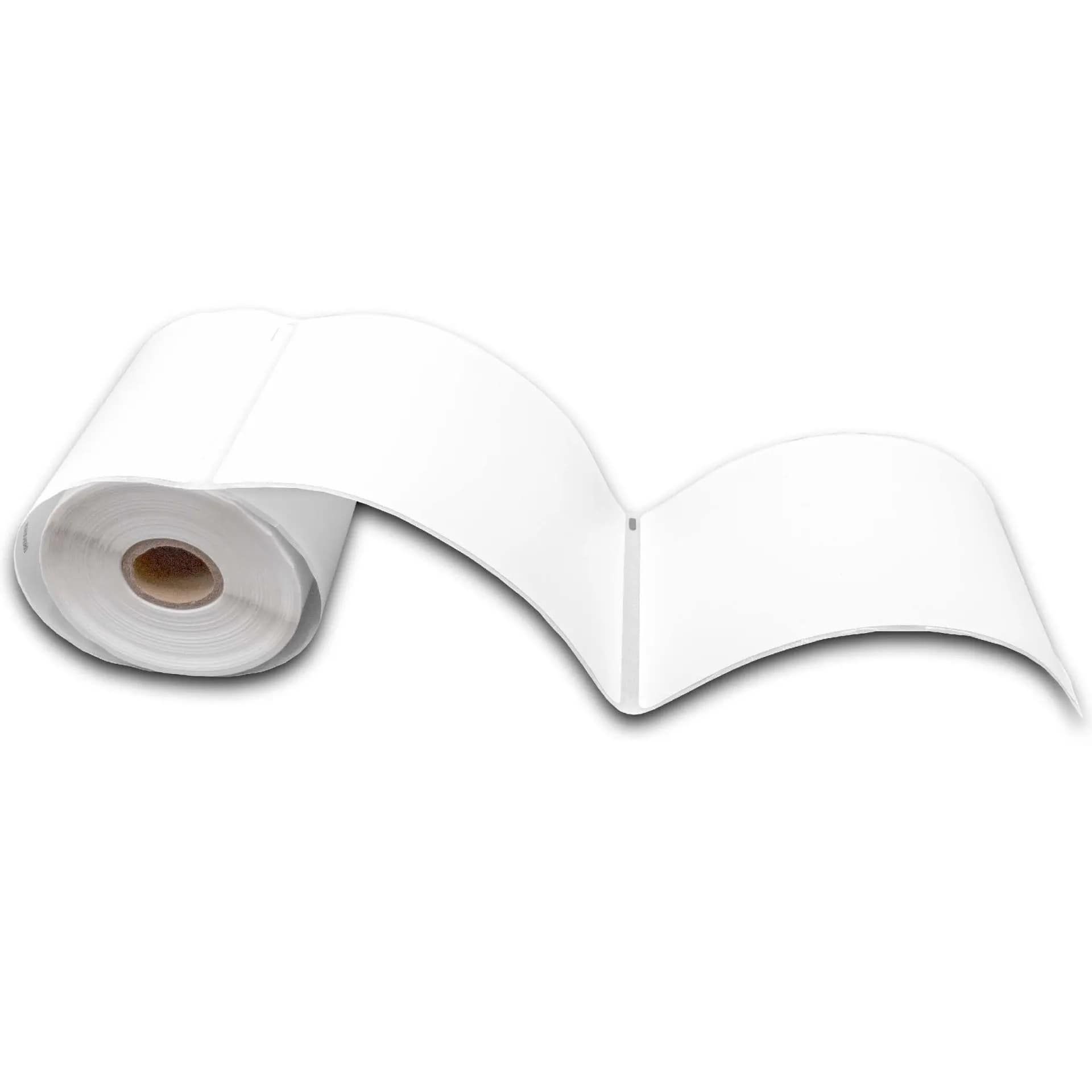
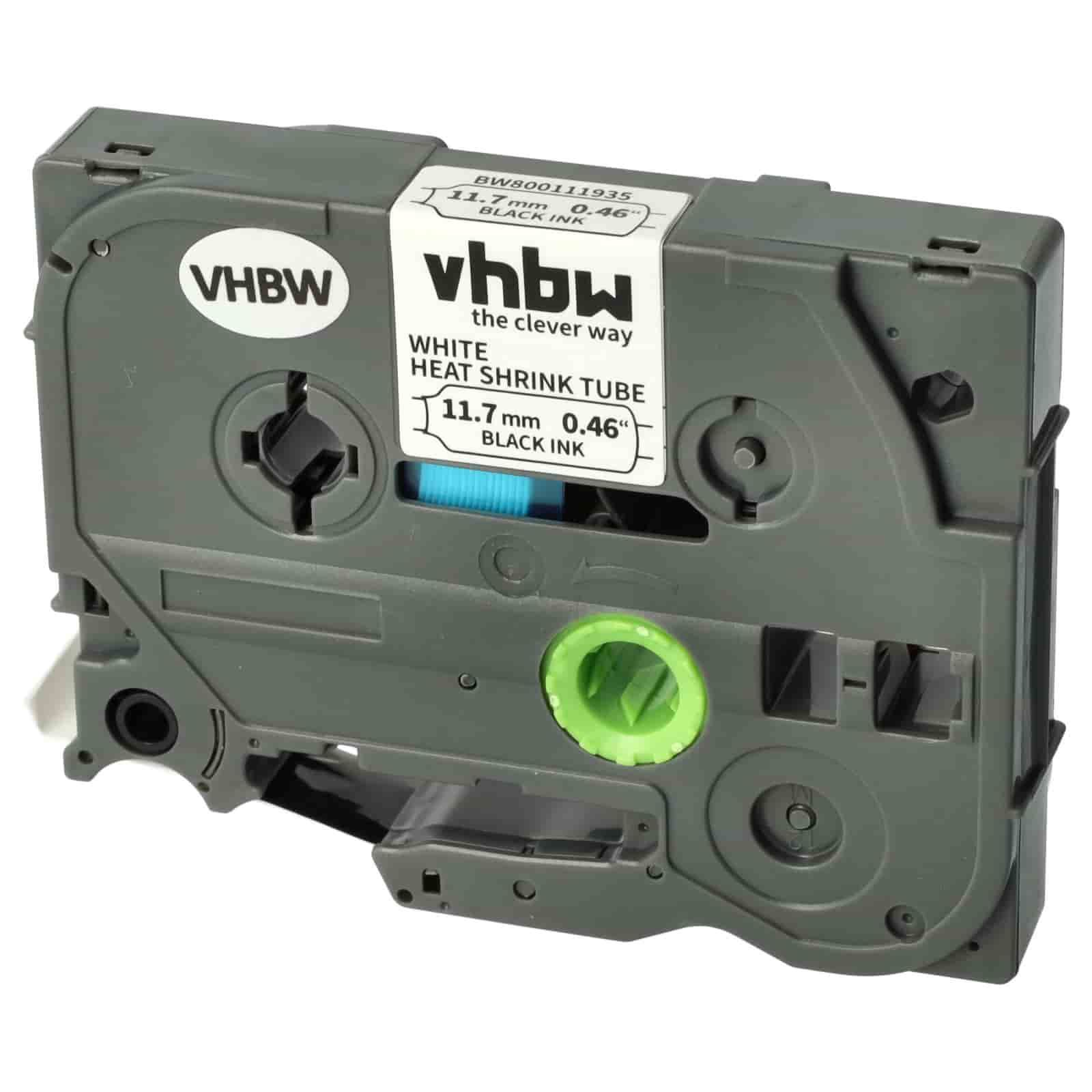
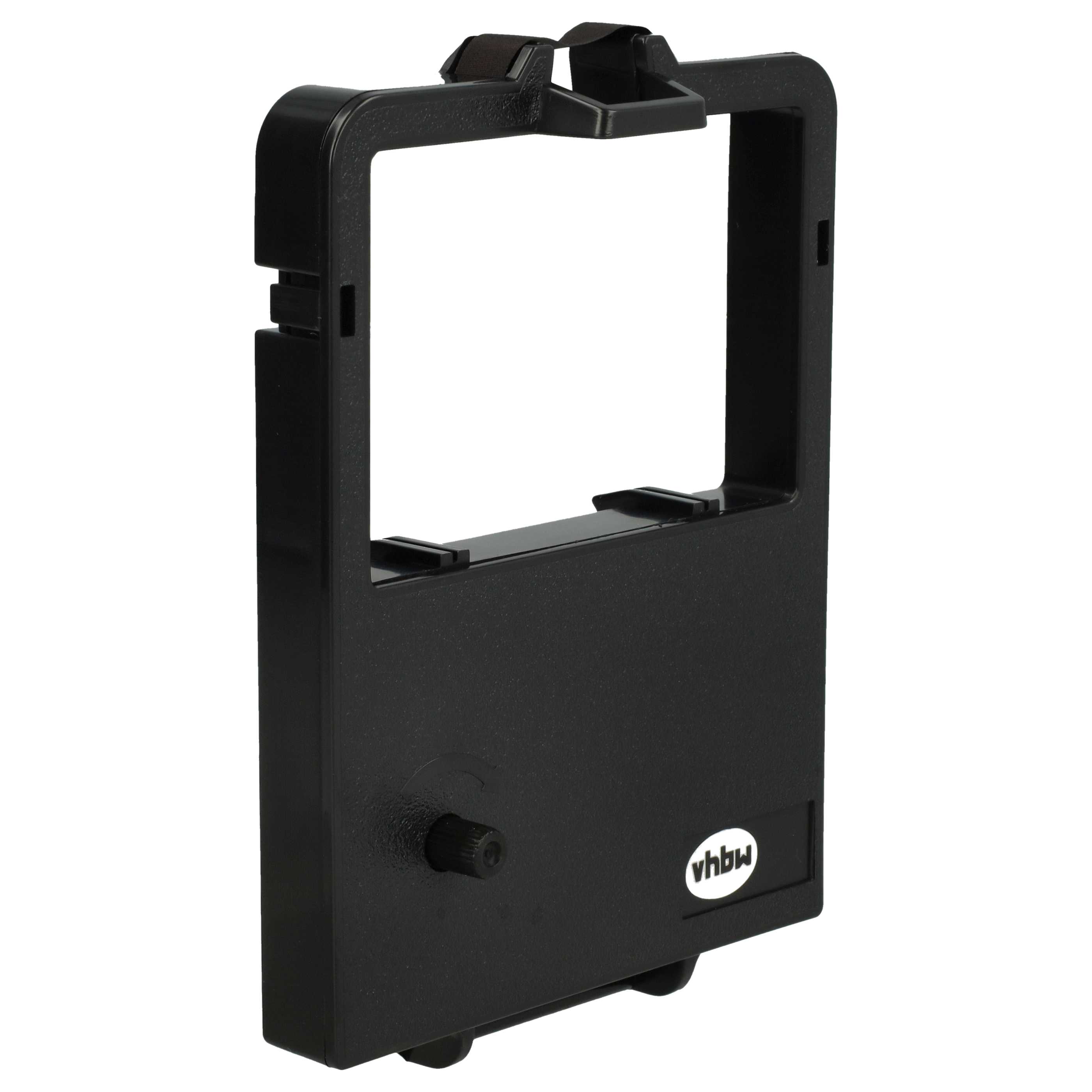
If you have a printer with fax at home or a thermal printer at work, the ribbon will play an essential role for you, because without ribbons, devices such as fax printers or thermal printers cannot do their job. This type of ribbon is mainly used by systems such as office machines, cash registers and, of course, fax printers. The textile carrier material that will later absorb the ink is often nylon. Since ribbons are ink rolls, they are of course also available in different colours.
If a professional appearance is important to you, black is the perfect colour for the ribbons in your printer with fax. Black ribbons ensure elegant printouts and are therefore often used in restaurants as well as in established supermarkets. Since this colour is simply the classic choice, office users and private users can almost never go wrong with it. In addition, ribbons come in the form of wax, resin and wax-resin ribbons, with the wax ribbon being the prime example of the type of ribbon that is perfect for paper receipts and therefore for business models such as supermarkets or restaurants. Furthermore, this type of ink roll is the most cost-effective, but it is not very abrasion-resistant – although this is usually not a problem in the typical use cases of wax ribbons.
If you print on surfaces such as polyester, polyvinyl chloride, coated paper or polypropylene, the “mixed ribbon” among ribbons, the wax-resin ribbon, would be the right candidate. This type of ribbon is significantly more abrasion-resistant than the wax ribbon, but for this reason it also falls more into the mid-range price category and is therefore more expensive than the wax ribbon. The highest-quality ribbon, however, is the so-called resin ribbon. It has the highest abrasion resistance because it does without an essential component of the other two ribbons - namely wax. This, however, also makes it the most expensive ink roll. Furthermore, due to the properties of the resin, it becomes not only the highest-quality ribbon, but also the most opaque ribbon, and can even print on very smooth textures.
You should always pay attention not only to the type of ribbon, but also to proper storage. Since ink ribbons are textile ribbons soaked in ink, it is important that they are always stored in cool and dark places with constant humidity. If you try to reuse an already dried-out ribbon by soaking it in refill ink, this can cause damage to your fax printer or a thermal printer, for example – and in many cases the warranty claim will also become void due to improper use. Because of all these properties, ribbons are extremely relevant for so-called thermal transfer or thermal transfer printing. In this process, the unprinted thermal transfer rolls are printed using the printer’s print heads. This happens by heating individual dots of the print head, causing the areas of the ribbon that are in contact with them to release their colour and thus print onto the surface to be printed. These print heads enable extremely precise printing, depending on how numerous they are. As already mentioned, it is advisable to use ribbons made of textile material, which can be used multiple times thanks to their properties.
By contrast, foil strips, often found as carbon ribbons, can only be used once. Ribbons owe the advantage of multiple use mainly to the fact that they are endless ribbons. This means that the carrier material is not completely consumed, which is what makes this desirable property possible in the first place.
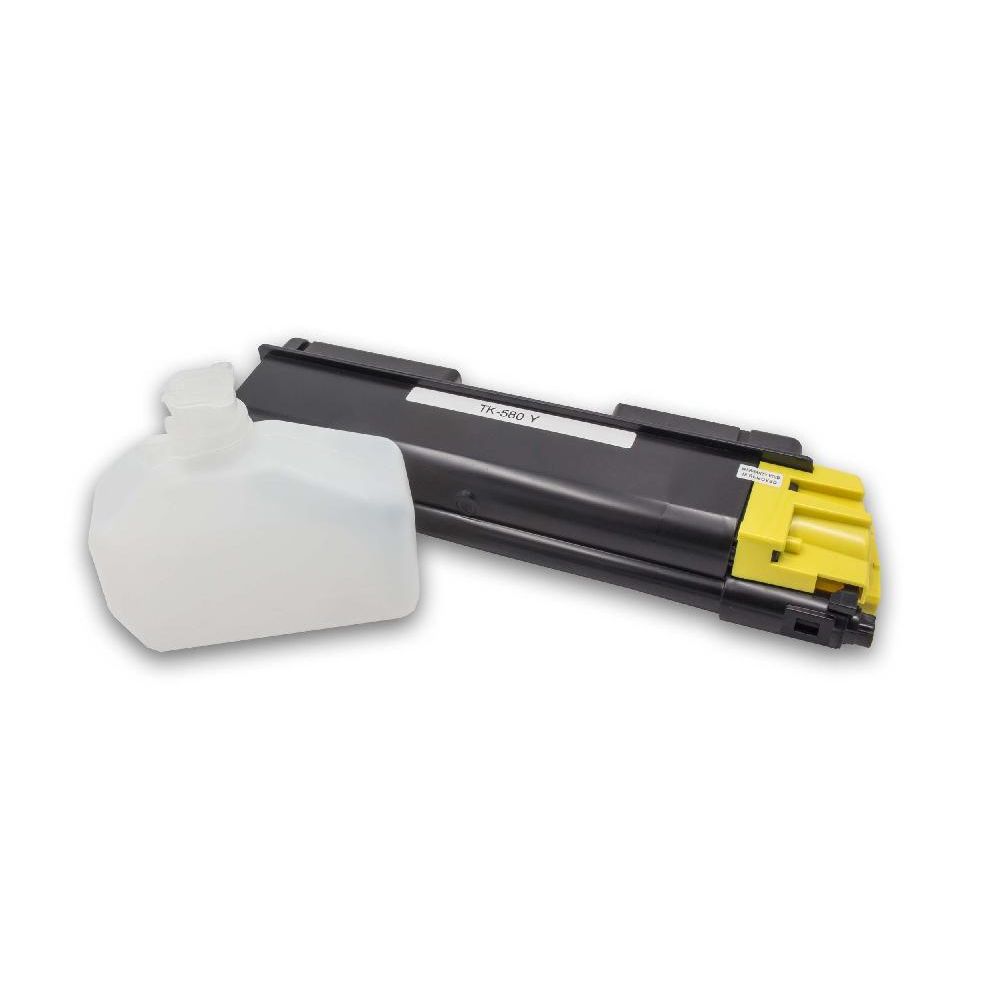
If, on the other hand, you use a toner printer or laser printer, you have a larger selection, since this type of printer serves a significantly larger market – both private and professional. With a laser printer, particular attention should be paid to the fill level of the printer toner. If you have certain types of printer labels for your printer, you can get started right away with the operating principle of the toner printer – because the process used by this device is well known to be advantageous in the professional sector for label printers as well. So let us turn to the operating principle used by the printer with toner.
How does a laser printer work?
The laser printer works by having a laser beam shine onto a rotating drum unit, thereby charging it negatively. This negative charge at individual points on the drum unit causes oppositely, that is positively, charged particles to adhere to them. The material to be printed – usually printer paper – is then fed into the printer and, just like the drum unit, given a negative charge. After that, as soon as the drum unit reaches the paper to be printed, the printer toner will adhere to the paper because of its positive charge. At this point, the entire printing process is almost complete.
You are certainly familiar with taking freshly printed paper out of your printer and finding that it is still a little warm. This is the result of the final step, in which the paper is heated with the help of a heating element so that the printer toner, which first stuck to the drum unit, can now permanently adhere to the printed material. Unfortunately, even with this advanced principle, errors can occur, such as stuck toner residues on the drum unit, which can make the printout unusable, especially with source materials that need to be printed very precisely.
The waste toner container exists precisely for such cases. It ensures that remaining toner is removed from the drum unit of your laser printer with the help of individual scrapers and collected accordingly in the waste toner container. In this way, unwanted contamination of the printout is prevented. Handling is also simple: as soon as the container is full, it can easily be emptied or replaced if necessary. Many laser printers indicate when it is time to take care of the waste toner container. If this message is ignored and the waste toner container is not replaced or emptied, dirt can build up inside the printer.
So why are laser printers so popular? Mainly because of the laser printing process, printers with toner are one thing in particular: fast. In private use, they usually manage around 30 to 40 pages per minute. Office printers can even achieve an even higher output - a full 50 pages per minute. With such high numbers, it is no wonder that printer toner, both in private and business use, including for exclusive applications, is more in demand than it has been for a long time. Label printers are also needed in the professional sector.
Unlike the printer cartridges of an inkjet printer, the toner of a laser printer can print significantly more pages. With toner, up to 3,000 pages can be printed before you have to look for new printer toner. Furthermore, a printer with toner does not have the problem of smudged printing, as is the case with an inkjet printer, and text is displayed much more sharply. That is why the higher price of the toner cartridge compared with ink cartridges usually around €60, is worthwhile in most cases. Because of their efficiency, these cartridges need to be replaced far less often. However, when we look at colour prints from an inkjet printer and a toner printer, we find that toner-based printouts generally cannot keep up with the printouts of an inkjet printer. When it comes to the quality of photo prints, the inkjet printer clearly has the advantage.
The inkjet printer - well-known and popular
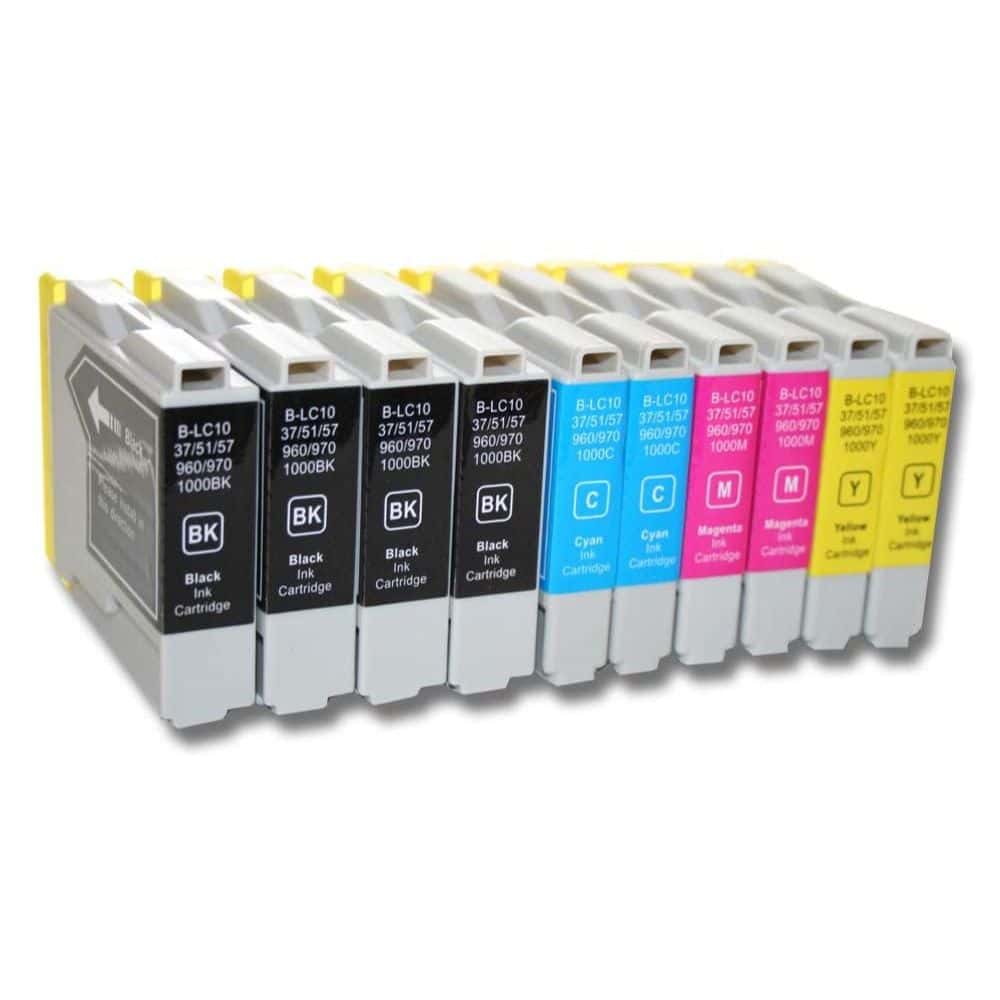
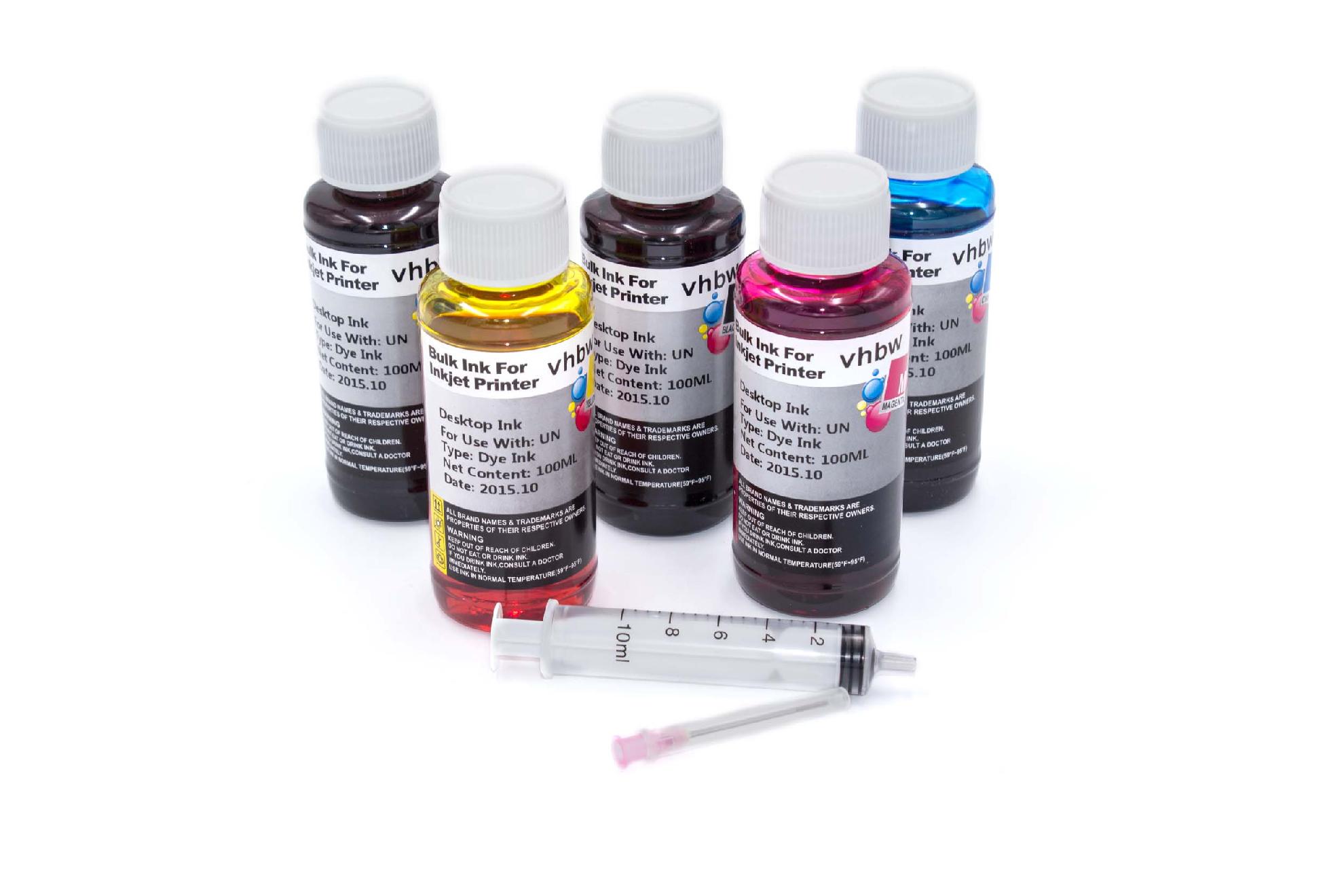
With an inkjet printer, just as with the toner printer mentioned above, it is also beneficial to be familiar with the device. Unlike a printer with toner, the inkjet printer is the most popular printer in private households. For this type of printer, the ink cartridges are especially important – and there are usually several of them, all in different colours. The printer’s print head moves sideways across the paper being fed through, leaving behind tiny droplets in the process.
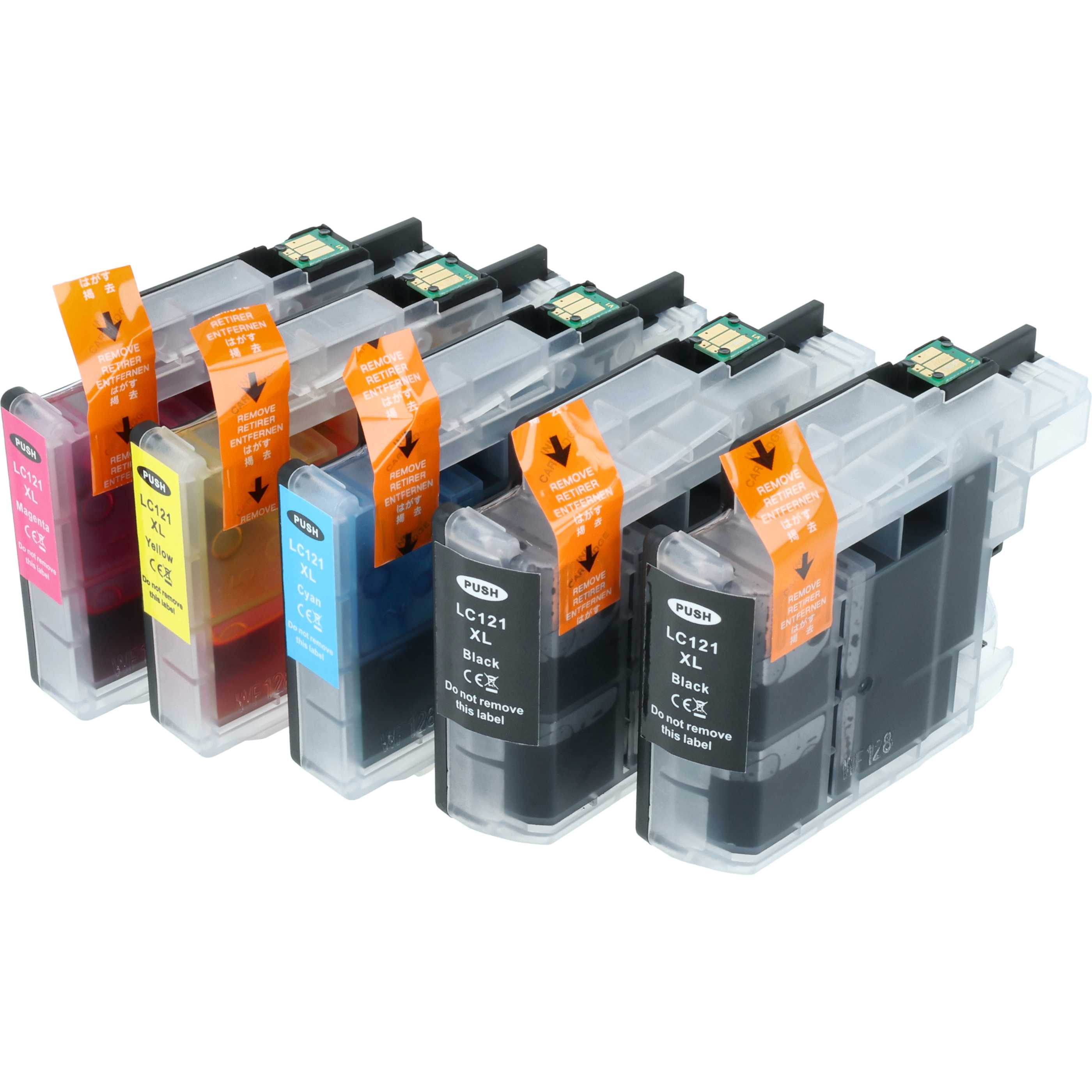
There are ink cartridges for printers in different colours, which can be mixed with one another during the printing process. Many printers have a standard set of different ink cartridges, the so-called CMYK colour model. This consists of the colours cyan, magenta, yellow and key, meaning black. The droplets with which the print head prints on the paper are applied to the material with extreme precision, which is possible mainly thanks to their microscopic size. Due to the structure of an inkjet printer, you will have to replace the ink cartridges much more frequently than is usual with a laser printer.
In an inkjet printer, the cartridges last only for 300 to 500 pages, which may seem vanishingly low to you compared with a printer with toner. This is often a major point of criticism of ink printers, since the maintenance costs with regular use are significantly higher than with a toner printer. However, the inkjet printer is much better suited for photo prints.
If you use mobile printers with a battery, it may happen that the battery needs to be replaced from time to time. Fortunately, there is also a more than sufficient range of options in this category in our online shop. As you can see, there are quite a lot of things to consider when it comes to printer accessories.
That is exactly why we are here: At Electropapa, you can get everything relevant to the topics discussed in our online shop at affordable prices. With our experience of already more than 16 years, we can certainly help you. And if you have any questions, do not hesitate to use the comment field below, the contact form or our email. We look forward to being able to assist you with our expertise!
Frequently Asked Questions
You can find out whether a printer cartridge or print head is compatible by comparing the exact model number of your printer with the cartridge or print head number. You can find this information on the device, in the manual or on the old cartridge. Only if the numbers and series match or are explicitly stated as compatible will the accessories fit reliably.
New print heads have an expiry date, but remanufactured print heads do not. They are reset and can be used without any problems.
No, remanufactured ink containers do not have an expiry date. They are reset and can still be used without any problems.
Our inks are filled with pigment ink, which offers high print quality. However, it is not waterproof.
The range is standardised in A4 pages with 5% coverage. A full-page photo corresponds to approximately 20 pages with 5% coverage.